Run Local LLMs in 2026: A Freelancer's Guide to Privacy, Cost & Deployment
Practical steps to run open-source LLMs locally, protect client data, lower inference costs, and follow best practices for reliability and compliance.
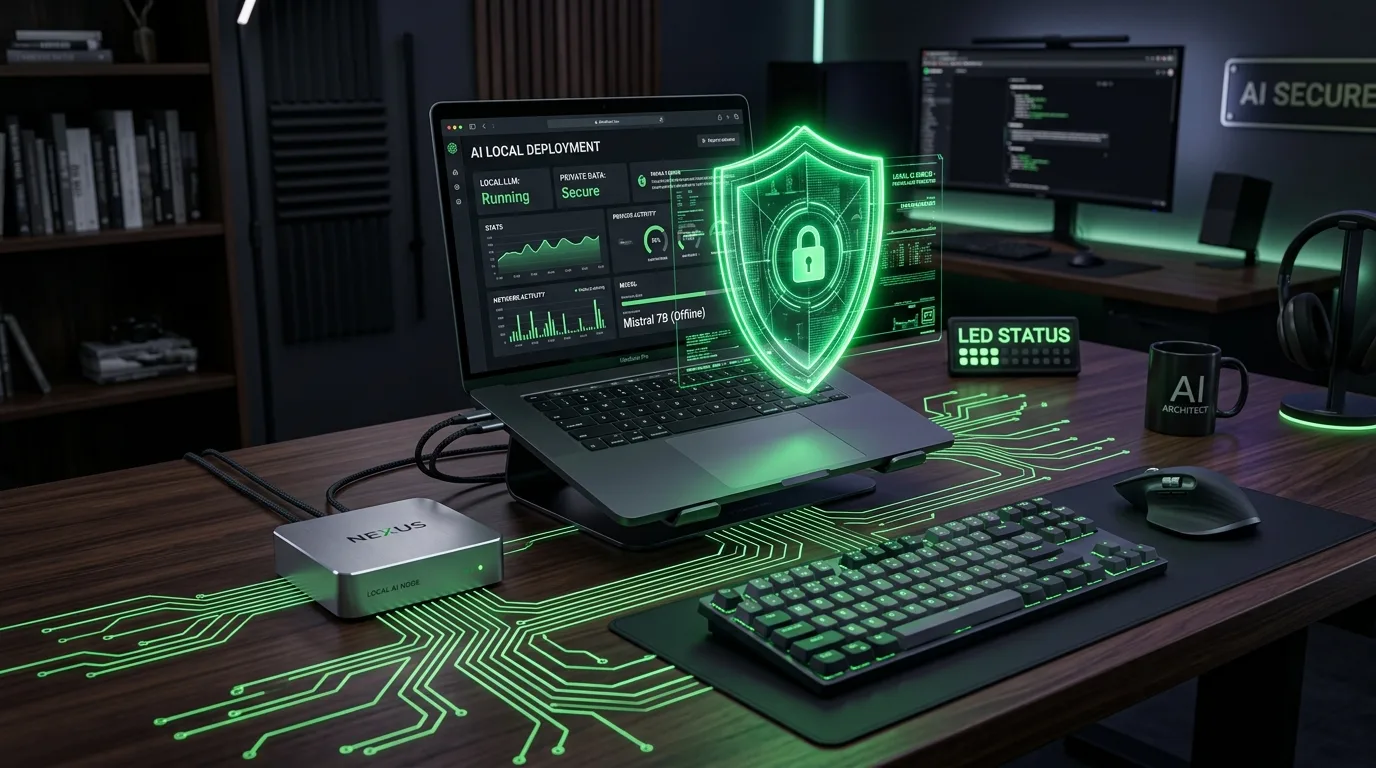
Why local LLMs matter for freelancers
Local models remove third-party data exposure, reduce API costs for repeated tasks, and can be fine-tuned on client data that must stay private. New efficient models in 2026 make local inference possible on modest hardware or via low-cost cloud VMs.
Recommended models & runtimes
- Laguna XS.2 / Laguna family: lightweight open models for local use.
- Mistral & Llama-based variants: higher quality, smaller footprints available.
- Runtimes: llama.cpp, GGML, Ollama, or Docker images for cloud VMs.
Quick setup (15–60 minutes)
- Choose model: pick an efficient 7B–14B model with a permissive license.
- Pick runtime: install
llama.cppor useOllamafor a simple local server. - Test locally: run a sample prompt and validate output quality.
- Wrap as an API: use a small Flask/Express wrapper or Ollama to serve locally to your apps.
Privacy & client data best practices
- Encrypt local disks and use secure access (SSH keys) for remote VMs.
- Keep logs minimal and rotate them — do not store raw client prompts indefinitely.
- Document data handling for clients and include it in contracts.
Prompt examples for common freelance tasks
SEO brief generation
Prompt: "Create a full SEO brief targeting '[PRIMARY_KEYWORD]'. Include top 10 competitor headlines, suggested H2s, 5 FAQs, and suggested internal links to these pages: /blog/best-ai-seo-tools-content-creators.html"
Client-specific content rewrite
Prompt: "Rewrite this client paragraph for a friendly B2B tone and include the keyword '[KW]'. Keep it under 40 words."
Cost & hardware guidance
For lightweight 7B models, a consumer GPU (RTX 3060/3070) is often enough for moderate latency; for 13B–33B consider low-cost cloud GPU instances or quantised runtimes like GGML to run on CPU with acceptable speed.
Where this fits on your site
Link to existing resources: Beginners Guide to AI Image Generation and Best Free AI Tools for Broke Freelancers.
Next steps I can take for you
I can: (a) create a one-click local setup script, (b) generate a contract-ready privacy blurb for client proposals, or (c) install a local runtime on a cloud VM and test inference — tell me which and I'll implement it.