Figma Config 2026: GenDesign 2.0 and the End of Lorem Ipsum
⚡ Quick Summary
- • Figma hosts Config 2026, unveiling its new AI-native "GenDesign 2.0" toolset.
- • Generates responsive layouts, matching components, and interactive prototypes from simple text descriptions.
- • Introduces "Context-Aware Copy", replacing Lorem Ipsum with production-quality, data-grounded copywriting.
- • Seamlessly connects design files to React and Tailwind code via the updated Dev Mode 2.0.
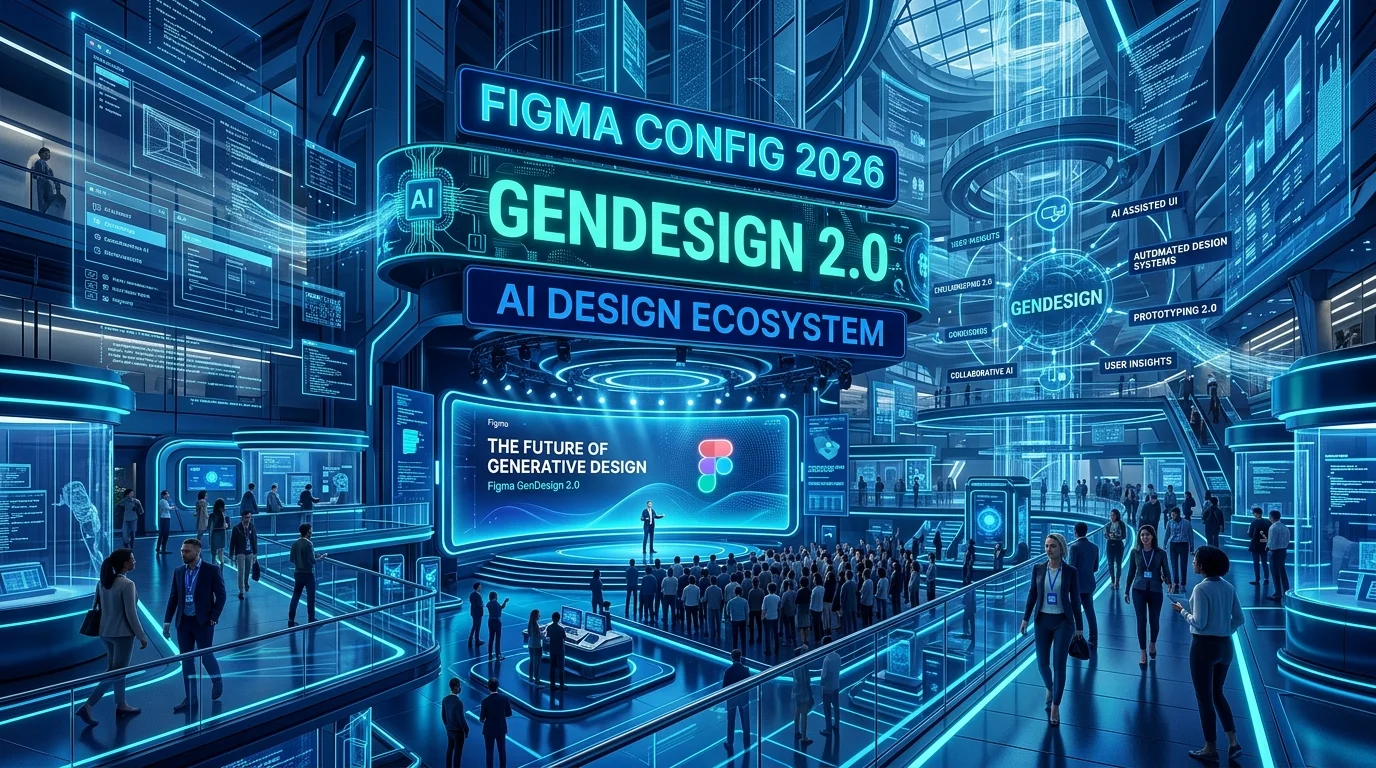
At Figma's annual Config 2026 conference in San Francisco, the design software giant unveiled **GenDesign 2.0**. Integrating deep AI generation directly into the canvas, this release marks a shift from ad-hoc design generation to systematic, production-ready visual generation—automating responsive structures, interactive state flows, and copywriting with a single click.
GenDesign 2.0: Prompt to Component System
Unlike simple image generation tools, GenDesign 2.0 operates directly on Figma's core **Auto Layout** and component paradigms. Designers can highlight a frame and type a command like: `"Generate a modern, responsive user profile dashboard using our system's active typography and color tokens."` Figma instantly generates the vectors, structures, and text, pre-configured with Auto Layout padding, constraints, and nested component links.
This allows designers to skip the tedious work of drawing basic grids and headers, shifting their focus toward high-level UX strategy and layout orchestration.
The Death of Lorem Ipsum: Context-Aware Copy
GenDesign 2.0 officially removes the need for filler text like "Lorem Ipsum". Utilizing an integrated copy engine, Figma analyzes the design context and automatically generates realistic text. If you're building a checkout screen for a pet store, the system dynamically populates real product names, item descriptions, and tax rates that match the app's visual structure.
Furthermore, designers can feed the system a brand guidelines document, ensuring that all automatically generated copy aligns with the brand's tone of voice.
Dev Mode 2.0: Instant UI Code
Bridging the gap between design and development, Figma announced **Dev Mode 2.0**. The feature translates Auto Layout parameters and component structures directly into clean React, Vue, or Tailwind CSS code. Developers can inspect any AI-generated UI block and export production-ready frontend components, ensuring pixel-perfect transition from canvas to browser.
Get Our Free AI Tools Guide
Join 50k+ freelancers getting weekly AI tips and tool reviews.
Explore Prompt Library →