Figma's AI UI Design Agent: Prompts to Production UI and the Future of Product Design
⚡ Quick Summary
- • Figma introduces its native, fully autonomous AI UI Design Agent.
- • Generates layered vector layouts, complete typography tokens, and colors from text descriptions.
- • Auto-wires mockups into fully clickable interactive flow prototypes with micro-interactions.
- • Bridges the developer-designer handoff by offering code exports matching the UI tokens.
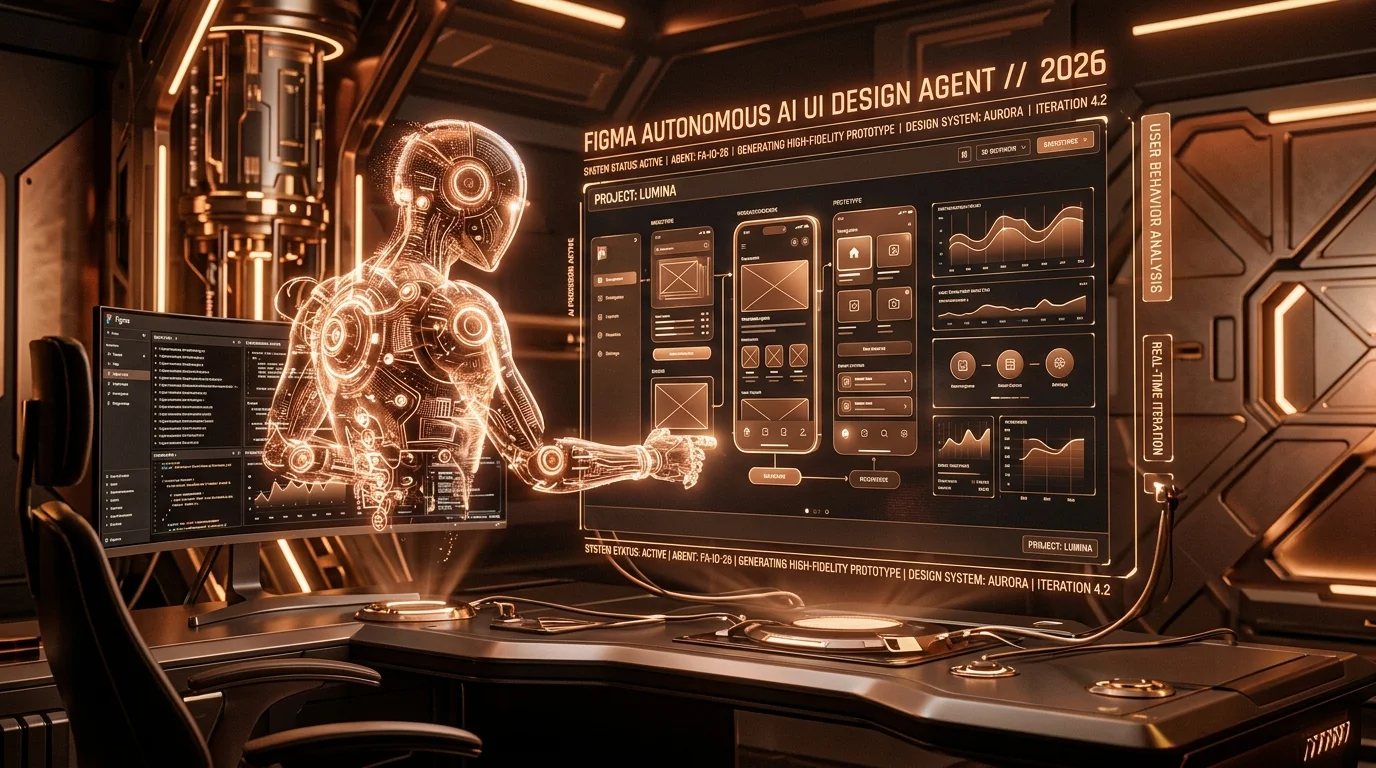
UI/UX design is entering a new paradigm of prompt-based vector assembly. Figma has officially rolled out its native, fully autonomous **AI Design Agent**. Going far beyond basic image generation or generic wireframes, this agent converts simple developer prompts directly into structured, responsive vector layouts, layout systems, and functional interactive prototypes.
Layered Vector Layouts and Design Tokens
Unlike rasterized image mockups (like Midjourney), Figma's AI Agent generates fully editable vector layers. If you prompt the agent to "build a dark-themed user settings page with subscription details, payment history tables, and billing alert toggles," it will generate structured frames using Figma's auto-layout parameters.
Every generated screen respects a predefined design system, using consistent typography sizes, color tokens, margins, and component instances (like primary buttons, input fields, and badges) that match modern web standards.
Auto-Wired Prototyping
What sets Figma's agent apart is its understanding of interactive flows. It doesn't just design static mockups; it auto-wires the buttons, links, and switches. Clicking a "View Details" button transitions to the corresponding sub-page, complete with smooth slide-in animations and micro-interactions. This allows product teams to test interactive user flows instantly.
Streamlining the Developer Handoff
Because the agent builds mockups using strict auto-layout structures and CSS-compatible design tokens, the resulting code matches the design specs closely. Developers can export layouts into clean HTML/CSS or React components, dramatically reducing design-to-code bottlenecks and accelerating overall product cycles.
Get Our Free AI Tools Guide
Join 50k+ freelancers getting weekly AI tips and tool reviews.
Explore Prompt Library →